
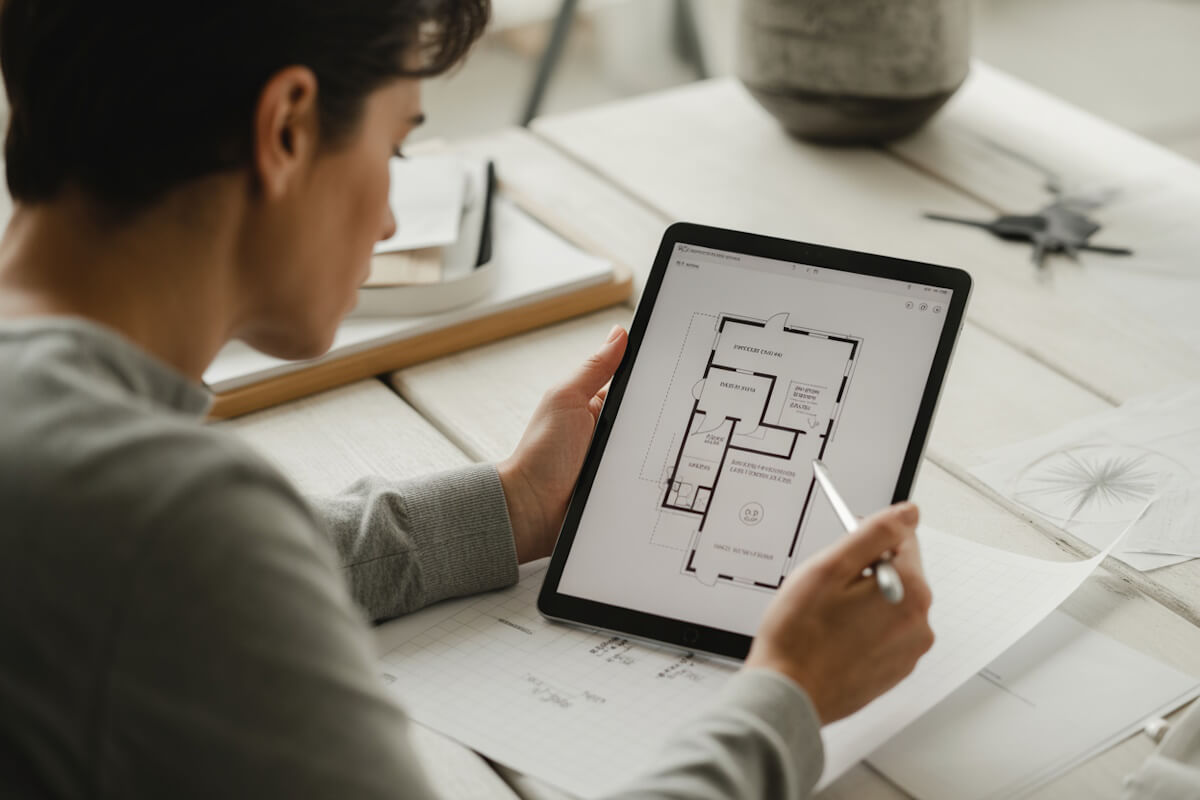
People keep hearing that digital Vastu tools can scan a floor plan and point out where things feel off. You upload a drawing and within seconds you get suggestions about room placement, energy flow, and spatial balance. It sounds simple, but what is actually going on behind the scenes? If you have been curious about how these systems read a plan, how they understand direction, or whether their suggestions match real Vastu practice, this article breaks it down for you in a clear and practical way.
This guide is written for homeowners, real estate investors, architects, and anyone who works with apartments or high rise condos where layouts are fixed and you need clear advice without the jargon.
Let’s go step by step.
The Basics: What Automated Vastu Tools Actually Do
Automated Vastu systems read your floor plan the same way an architect studies a drawing. They look at shapes, room labels, walls, entry points, plumbing zones, windows, and directional markings. If the plan has no directions, some tools ask you to mark north manually. Others try to guess based on compass readings from a photo.
Think of it as a helper that sorts the entire home into zones based on the eight cardinal directions. Once the zones are set, the system checks whether each room sits in the right sector according to common Vastu logic.
You may wonder whether this is reliable. The answer depends on how well the tool interprets your plan. Good ones read the layout cleanly and do not confuse a closet for a bedroom or a balcony for a patio. Weak ones misread text labels or treat space as one large undefined area. That’s why the quality of your uploaded plan matters more than people assume.
Understanding Directional Mapping
Everything starts with direction. The moment the system knows where north is, it builds an invisible grid over your plan. This grid has eight slices north, northeast, east, southeast, south, southwest, west, and northwest.
Each slice has traditional Vastu preferences. For example:
- Kitchens feel better in the southeast or south
- Bedrooms work well in southwest
- Balconies often suit the east or north
- Toilets need careful placement so they do not cut into northeast or center
Once directions are locked in, the automated analysis checks where each room falls in this grid. Even small shifts matter. A bedroom slightly drifting from southwest to south can change the overall reading.
Some tools also look at the central area of the home, often called the Brahmasthan. If this part has heavy built up space or toilets, the system flags it.
How Floor Plan Recognition Works
Most users upload either a digital drawing or a photo of a printed plan. The system scans for:
- Room labels like “Bedroom 1” or “Kitchen”
- Wall lines and partitions
- Doors and windows
- Plumbing fixtures
- Staircases
- Balconies and terraces
When a plan is clear, the system picks these up quickly. When the text is small or blurry, it guesses based on shapes. A square space with a bed icon is obvious, but some modern plans only show empty rectangles. In those cases, the system relies on text alone. If the labels are missing, results may feel off.
Here is where you play a role. If you upload a clean PDF instead of a photo taken at an angle, you get far more reliable results. Even simple steps like rotating the image so north faces the right direction help the system read the plan correctly.
The Anchoring Principle: Why Certain Zones Matter More
Automated tools weigh some areas more heavily than others. For example:
- Northeast is sensitive because it affects movement, clarity, and the way light enters
- Southwest influences stability and long term decisions
- Southeast relates to fire and heat
- Center affects openness and ease of movement
If a toilet sits in northeast, the system highlights it strongly. If the master bedroom is in southwest, the tool marks it as positive. When kitchen lands in northwest, results vary based on how strict the tool’s rules are, since modern homes often place kitchens there in cities like Toronto or Houston.
These tools measure not just room type but also room usage. A guest bedroom in northeast may feel fine but a toilet in the same area gets flagged. The software follows a rule based logic that mirrors what Vastu experts look for in person.
Room by Room: How Automated Checking Happens
Kitchen
The system checks:
- Position relative to southeast or south
- Cooking direction
- Sink and hob placement
- Whether the kitchen shares a wall with toilets
Sometimes the tool also reviews ventilation and placement of heavy appliances. It does not see actual appliances but assumes their locations based on common layout patterns.
Bedrooms
It checks:
- Which direction the room sits in
- Where the bed likely sits based on the wall space
- Window placement and airflow
- Whether attached toilets cut into sensitive zones
A southwest master bedroom usually scores well. A northeast master bedroom usually doesn’t.
Toilets
This is one of the most sensitive areas in automated analysis. The system looks closely at:
- Whether the toilet is in northeast, center, or near main entry
- How many toilets share the same zone
- How plumbing lines run in relation to corners
Entrance
The tool scans for the main door label. If there are multiple entries, it picks the one facing the exterior. Placement in north, east, or northeast tends to score well. Doors in southwest are usually flagged.
Living and Dining Areas
These spaces are checked for openness and directional balance. A living room in north or east often receives a positive reading. In apartments, when the living room lands in west or south due to fixed developer plans, the tool focuses more on light availability and proportion.
Balconies
These are important in condos. An east or north balcony increases the positive rating. A balcony in southwest sometimes lowers it because it opens a stability zone.
How Automated Suggestions Are Generated
Once the tool identifies room locations, it checks each item against a large rule bank. The suggestions you receive usually fall into three styles:
- Directional guidance: Example: “This bedroom sits in east. Keep the bed toward west or south walls.”
- Element balancing: Example: “Place heavier furniture in southwest corner of the room.”
- Minor layout tweaks: Many homes cannot change room placement, especially in high rise apartments. So the tool offers practical steps like shifting the stove, adjusting mirror placement, changing bed direction, or using a divider to reduce energy flow between a kitchen and entrance.
Good tools avoid suggesting unrealistic changes like moving a bathroom or rebuilding structural walls. They focus on adjustments you can realistically handle.
The Role of Proportion and Space Use
Automated Vastu analysis does not just check direction. It also looks at how much space each zone occupies. If the southwest area is tiny while northeast is huge, the tool may say the home feels unbalanced.
In condos, this often happens because developers stretch the living room into the north or east while leaving the southwest corner for small bedrooms. Automated readings capture this pattern and comment on it.
Some systems check whether the home is too rectangular or has odd missing corners. Missing northeast or southwest corners often trigger alerts. Extra projections in southeast or northwest may also get noted.
Where Automated Tools Do Well
Automated Vastu analysis shines in these areas:
- Identifying obvious directional concerns
- Spotting toilets in sensitive zones
- Checking main entrance placement
- Reviewing kitchen location and cooking direction
- Highlighting missing corners or heavy built up center areas
- Giving practical room level suggestions based on known layout patterns
For apartment dwellers, this is often enough. Most people are looking for help with bed direction, placement of furniture, and whether their kitchen sits in a good zone. Automated tools handle these well.
Where Automated Tools Struggle
Some things still need human judgment:
- Mixed use areas that serve two functions like study plus bedroom
- Open concept spaces that do not have clear walls
- Homes where the plan has no directional marking and compass readings are off
- Split level floors
- Homes on irregular plots where the structure is not aligned with the cardinal grid
Automated systems also cannot sense how a space feels when you stand inside it. Light quality, ceiling height, and noise levels matter a lot in Vastu. A person can observe these directly. A tool guesses.
Apartment and High Rise Considerations
People living in towers face unique issues:
- Entrances often face long corridors without natural light
- Bedrooms might sit far from sunlight
- Balconies on lower floors may not get airflow
- Developer plans repeat the same layout across hundreds of units
Automated Vastu tools take the layout as given but do not know your floor height or the angle of sunlight hitting your balcony. If you are on the 17th floor, for example, certain suggestions about ventilation need context. You may ignore advice meant for ground floor homes.
That said, direction based planning still helps. Your entrance direction stays the same regardless of floor level. So does the placement of toilets and kitchen. Even in high rise buildings, these patterns influence how comfortable the home feels.
How Accurate Are Results?
Accuracy depends on three main things:
- How well your plan is read
- Whether directions are correct
- Whether your plan matches the actual built space
If your drawing is outdated or you changed the interior walls, the tool gives results that no longer fit your home. Always upload the updated layout if possible.
People often treat automated Vastu output as a yes or no verdict. It is better to think of it as guidance that helps you make practical improvements. The system is strongest when identifying clear trouble spots like a northeast toilet or a southwest balcony. It is softer on nuanced points like bed placement or window alignment.
Improving Results With Better Input
You can help the tool by preparing your file well.
Try these steps:
- Use a clean, high resolution plan
- Mark north before uploading if the plan does not show directions
- Add room labels if they are missing
- Avoid photos taken at an angle or in dim lighting
- Rotate the image so it sits level
When the system reads your plan without confusion, your results feel far more helpful.
Real Vastu Practice vs Automated Output
Automated Vastu analysis follows general rules. Real world Vastu practice uses the same rules but also accounts for light quality, street direction, window height, room usage, and the way people move through the home.
For example:
- Two kitchens in southeast might behave differently depending on ventilation
- A northeast living room can feel heavy if it has low ceilings
- A southwest bedroom can still feel unstable if it shares a wall with noisy elevators
- A north entrance might not help much if the corridor outside is dark
Automated systems do not catch these factors. They offer a grounded starting point. You add your own lived experience to refine the advice.
Why These Tools Are Gaining Popularity
People like fast answers. Home buyers often want to check 10 or 20 layouts in a weekend. Real estate agents want quick feedback before showing a property. Renovators want to know if moving a door helps or hurts.
Automated Vastu tools provide:
- Quick screenings
- Direction based checks
- Room layout insights
- Practical placement advice
They cut down on guesswork. They also help you avoid long PDF reports that feel too repetitive. You get straight to the point.
Making Sense of the Final Report
Most tools end with a summary. You probably see:
- A directional chart
- Ratings for each room
- Room specific suggestions
- Notes on major concerns
Read the report in layers. First, look at the directional chart. Then check toilets and kitchen. After that, read the bed direction and furniture suggestions. Save decorative notes for last.
It is easy to get overwhelmed with too many suggestions. Focus on two or three changes that make the biggest difference. Small steps go a long way.
Final Thoughts
Automated Vastu analysis has become a useful tool for people who want clear answers without waiting. When used correctly, it helps you understand your home with fresh eyes. It gives quick direction based clarity and highlights the spots that need attention. It is not perfect, but it is practical.
You bring the final judgment based on how you live, what feels comfortable, and what you can realistically change. When both sides work together the digital reading and your lived experience you get a home that feels balanced and grounded without guesswork.